Camera Preview
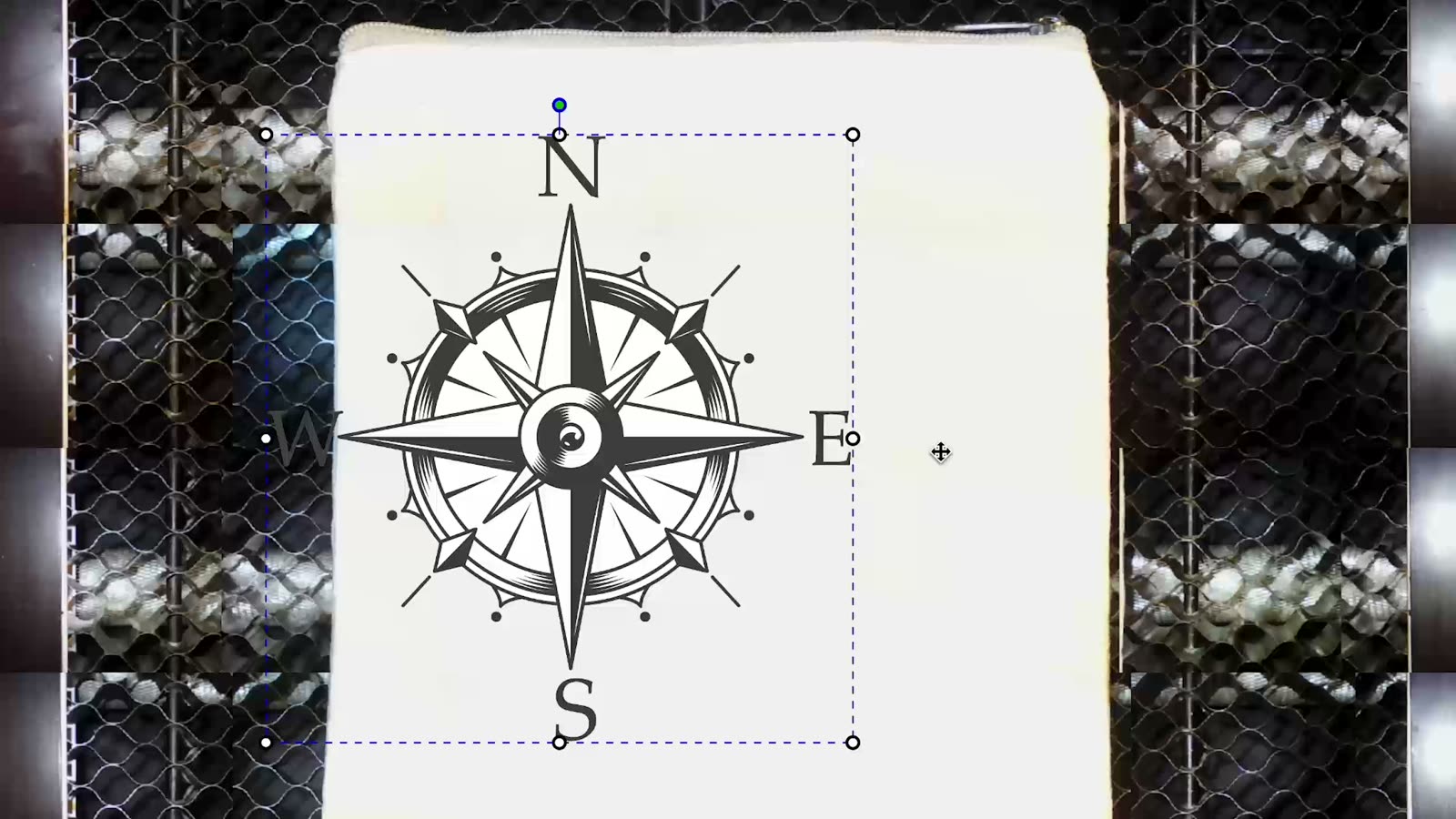
Real-time preview through your FLUX Laser's built-in camera.
FLUX Buyer's Guide
Explore FLUX's full range of lasers and find the perfect tool for your creative projects.
What reviewers said after putting a FLUX laser on their own desk.









Start here with the FLUX buyer's guide — each card jumps to the section that answers it.
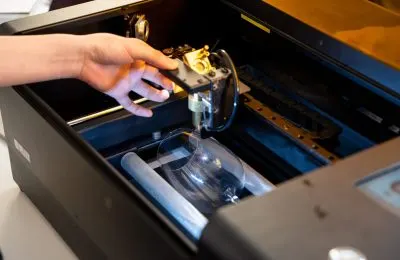 Laser SourcesEach laser source is tailored for specific materials. Select the one that best fits your material requirements.Compare laser sources
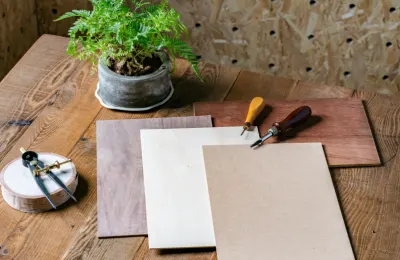 MaterialsSelect the laser wattage based on your material thickness. Higher wattage cuts thicker materials.See machine material lists
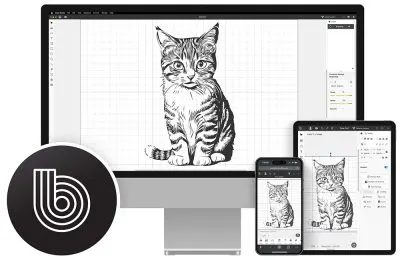 SoftwareFLUX lasers feature intuitive, user-friendly software that's easy to use, even without a design background.Meet Beam Studio
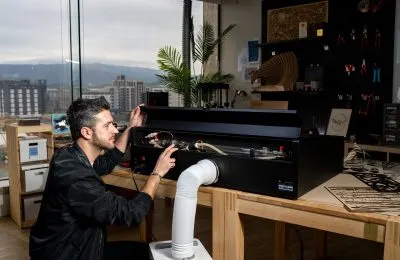 Consumable RequirementsBeyond laser materials, each laser cutter has specific consumable needs depending on the laser source. This is a key consideration before purchasing.Check what you'll restock
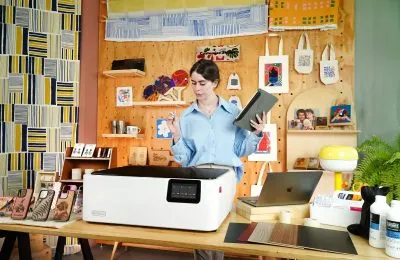 ApplicationsOver the past ten years, FLUX has excelled in creative industries like laser cutting, custom design, and prototyping, amassing a vast user base.Find your creative niche
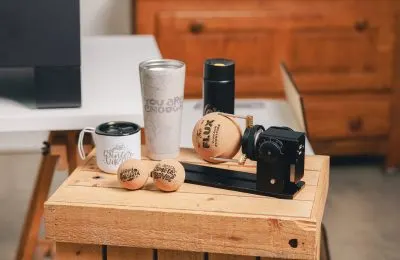 Add-onsEven though FLUX Lasers handle most creations, special shapes like cylinders, cones, handled tumblers, or extra-large, extra-thick materials require FLUX Laser Add-ons for optimal support.Browse the add-ons
Match your needs with the right laser source.
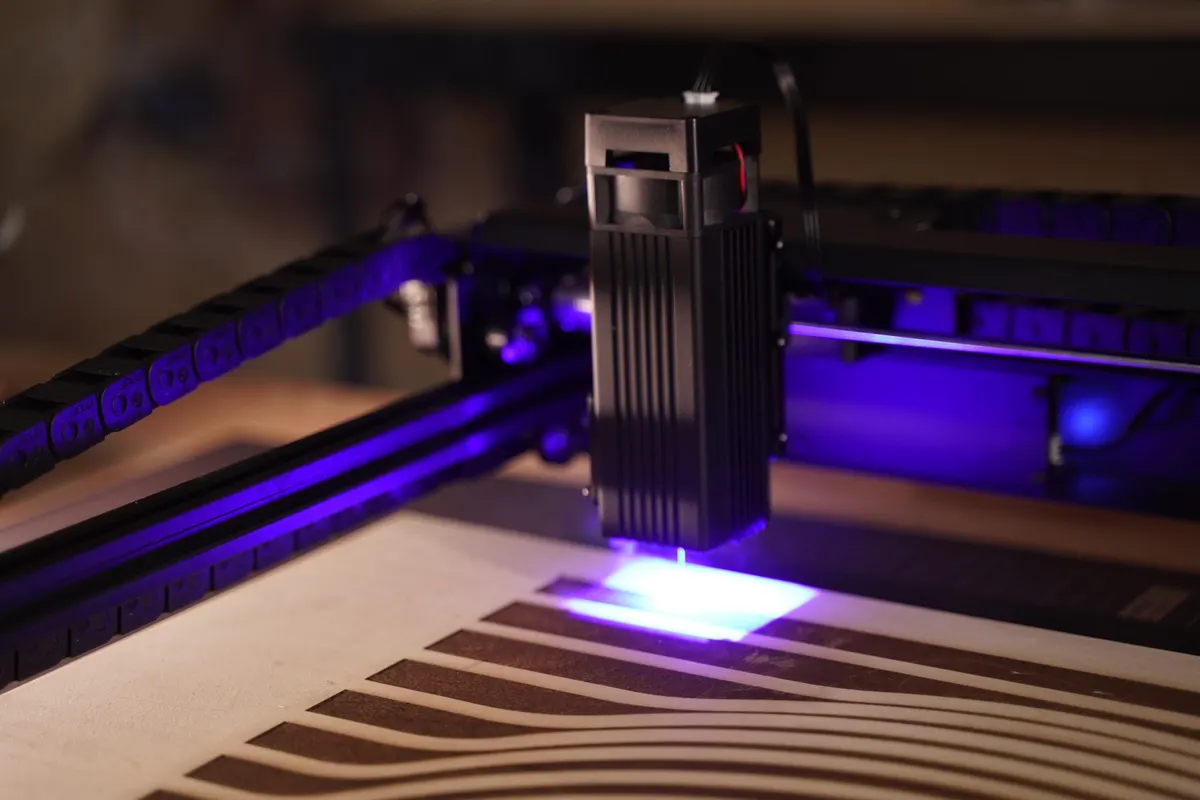
Diode lasers are ideal for engraving and cutting materials such as wood, leather, and paper. They offer a low-maintenance, beginner-friendly solution with no need for consumables. However, they are not suitable for cutting transparent materials; for such applications, a CO2 laser is recommended.
Best for
 Wood
Wood Leather
 Paper
Paper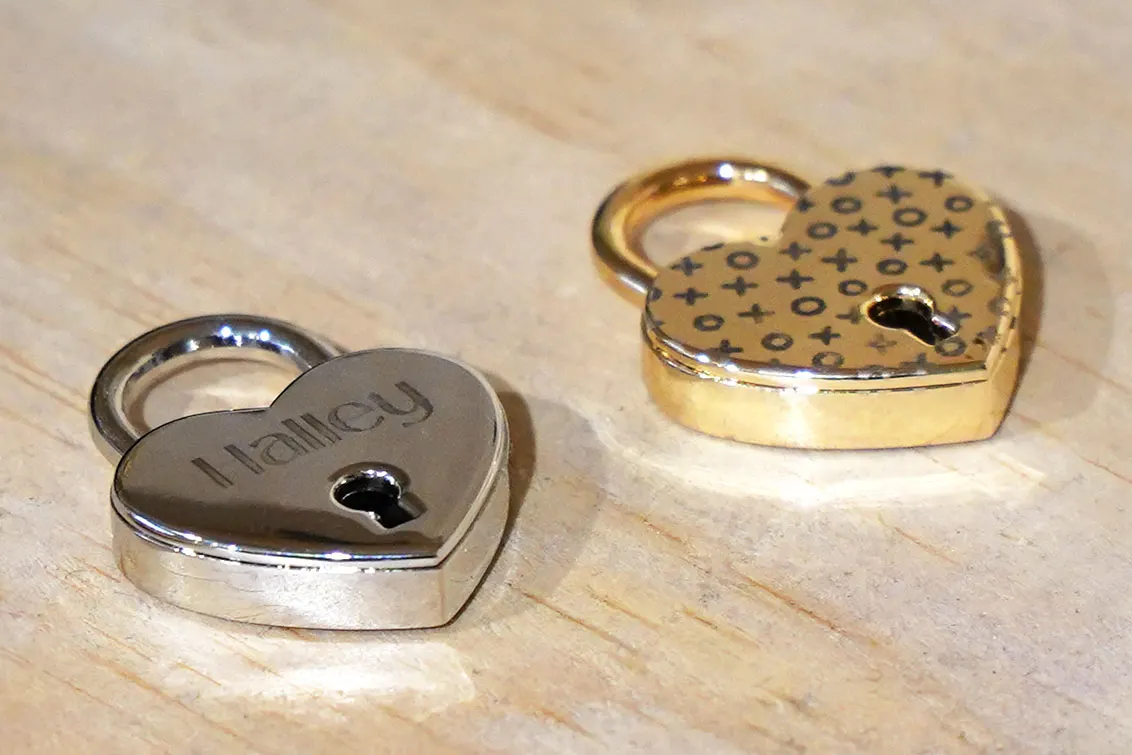
Infrared lasers are designed for engraving pure metals, including gold, silver, and copper, and are also effective on materials like dark acrylic and ABS. This makes them well-suited for professionals engaged in metalworking projects, such as jewelry engraving and custom dog tags.
Best for
 Gold
Gold Silver
 Copper
 Dark acrylic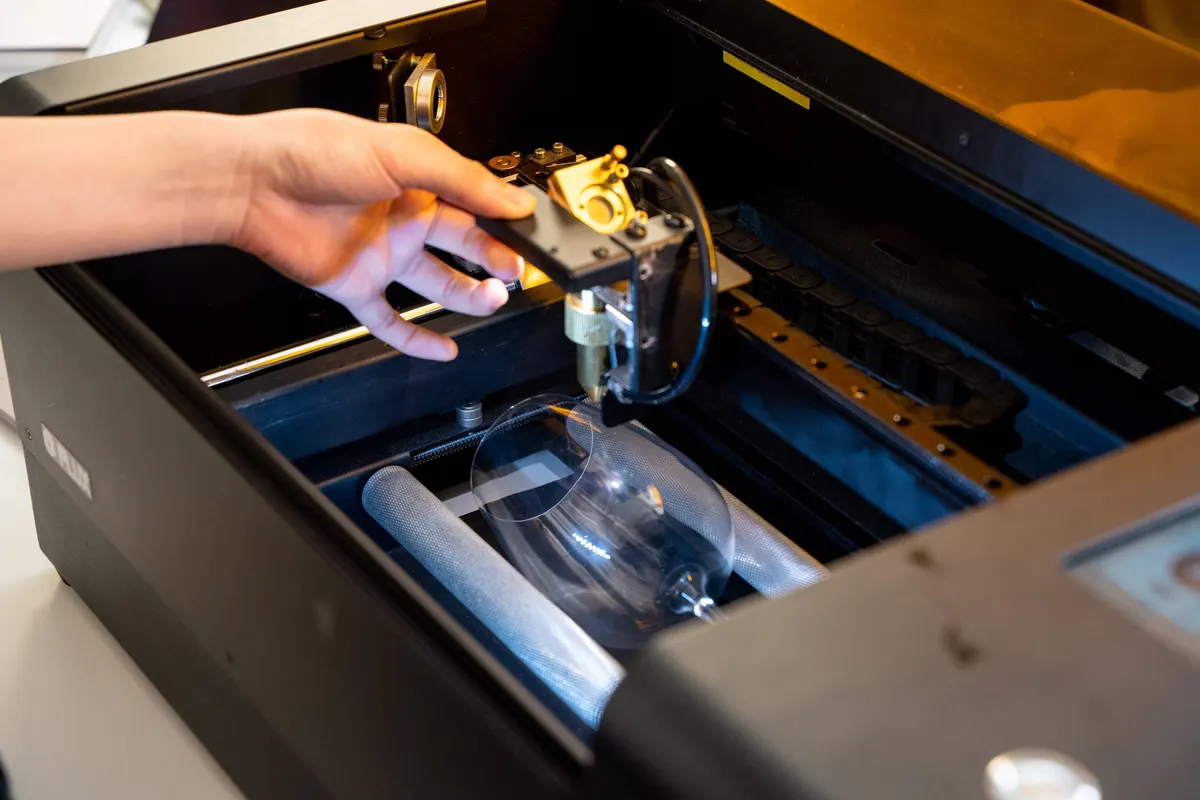
CO2 lasers, known for their high power density and precision, are versatile enough to engrave on a wide range of materials, including wood, leather, paper, and transparent materials like acrylic and glass. This makes them an excellent choice for both industrial and creative applications.
Best for
WoodLeatherAcrylic Glass
Glass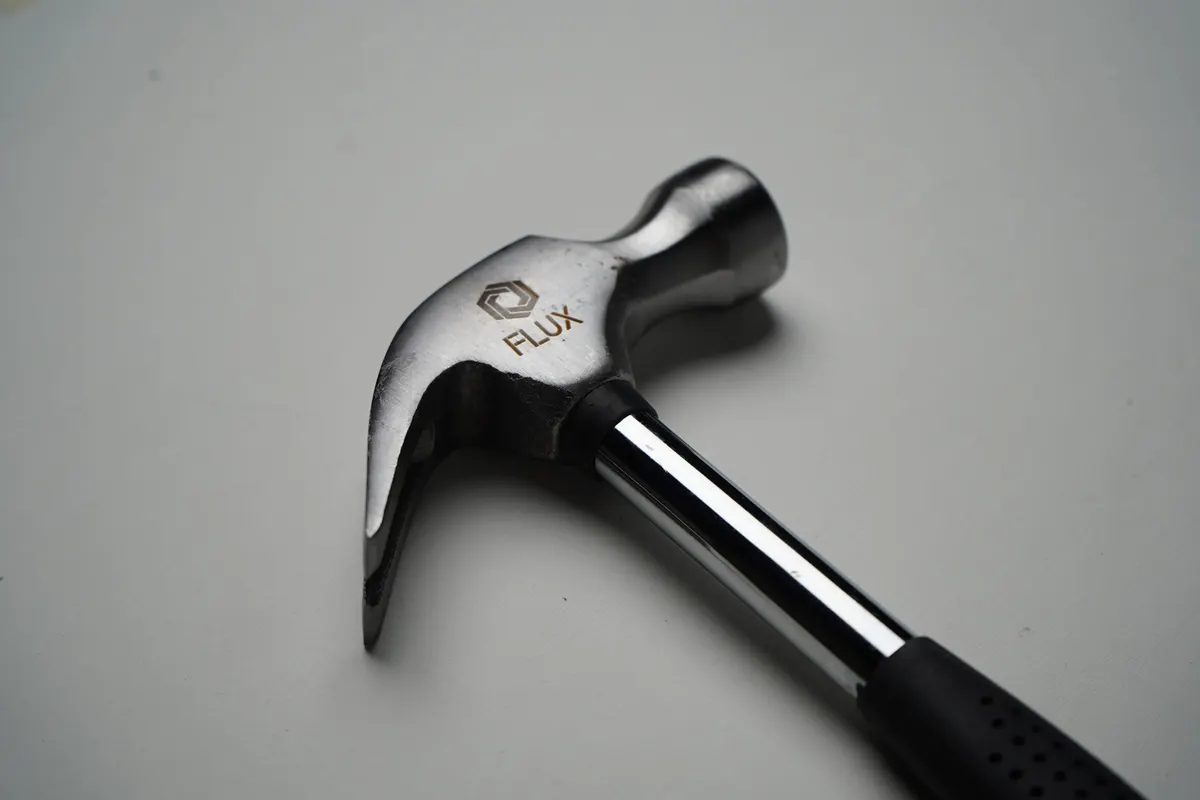
Fiber lasers offer precise, stable marking and engraving on metals, delivering high-quality results with minimal maintenance, ideal for modern metalworking.
Best for
 Stainless steel
 Anodized metalGold
Align the laser source and wattage with your specific creative needs.
10W / 20W diode + 2W infrared + color printing
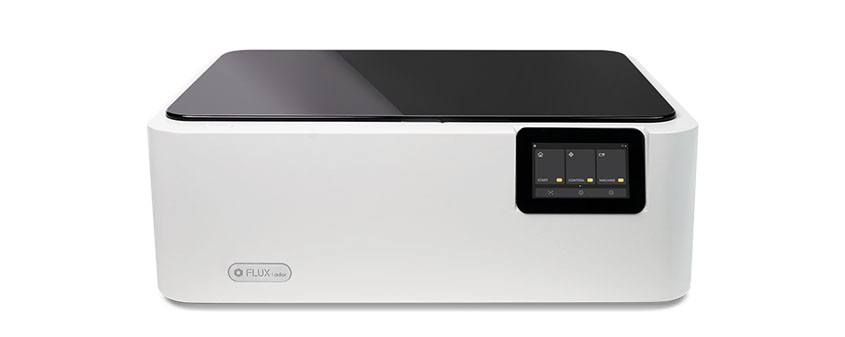
Ador's 10W/20W diode laser cuts up to 15 mm hinoki wood and 7 mm fabric. Its 2W infrared laser engraves gold, silver, and copper, and the color printing module supports CMYKW printing, even on thick materials.
30W CO₂ · A4 work area
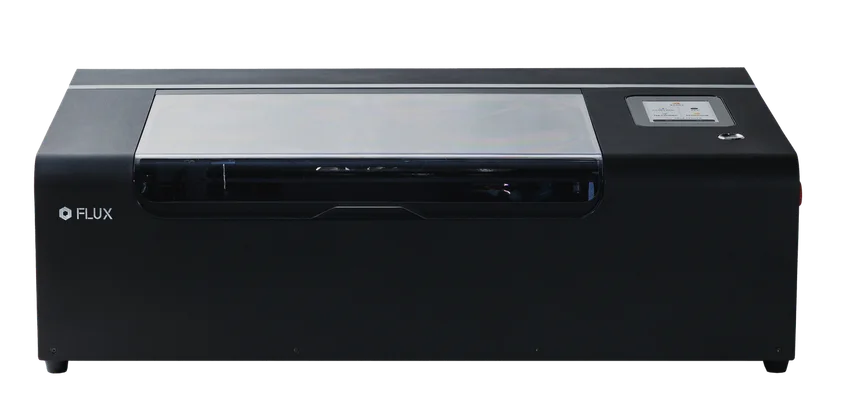
A compact 30W CO₂ laser cutter with an A4 work area, ideal for home studios, classrooms, and everyday creative projects. It cuts up to 7 mm hinoki wood and 6 mm acrylic; actual results vary by material and settings.
55W CO₂ · 1.5× larger work area
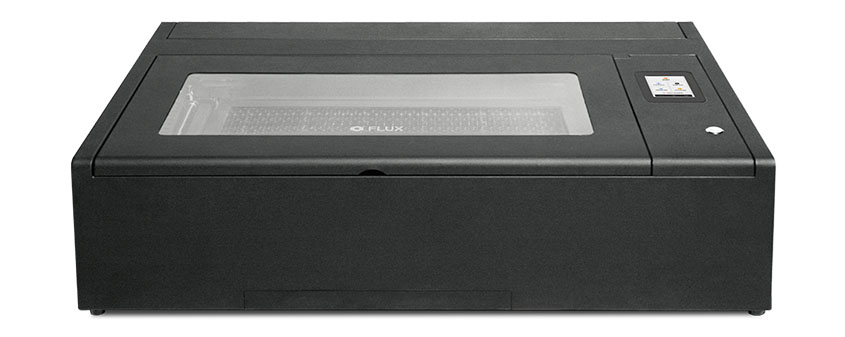
Beambox II is upgraded to a 55W CO₂ laser, delivering exceptional cutting performance. Effortlessly cut through 20 mm acrylic and 18 mm Japanese cypress — from intricate designs to bold creations, precision is built in.
60W CO₂ · 73 × 41 cm work area
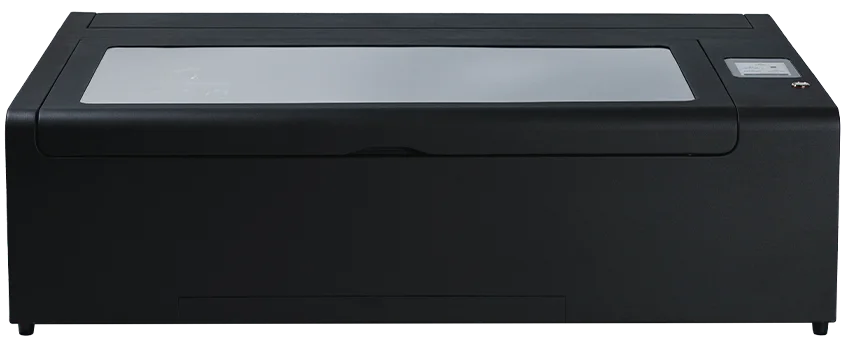
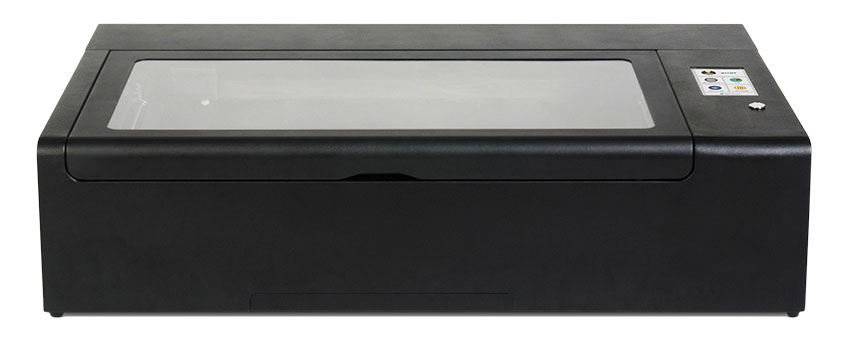
HEXA's 60W CO₂ laser is designed for studios, schools, and small businesses that need higher cutting capacity and batch production. It cuts up to 20 mm hinoki wood and 21 mm acrylic.
30W / 60W / 80W metal RF laser
A metal RF tube for finer engraving and long production runs. The 80W source cuts 32 mm acrylic in one pass, with a 0.07 mm beam spot and a 20,000-hour rated lifespan.
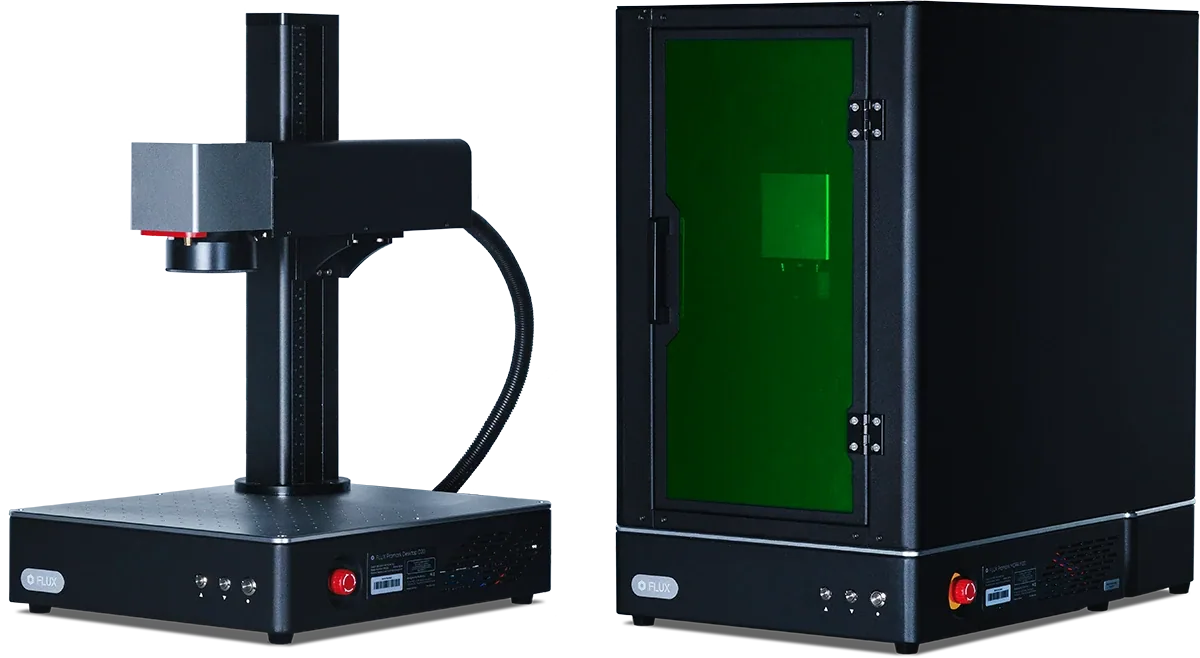
Fiber & MOPA marking · 150+ materials
Promark is the fiber and MOPA marking line for metal and plastic work — permanent marks on aluminium, stainless steel, gold, silver, copper, and opaque acrylic, with colour marking on the MOPA model.
Software
The most intuitive laser software.
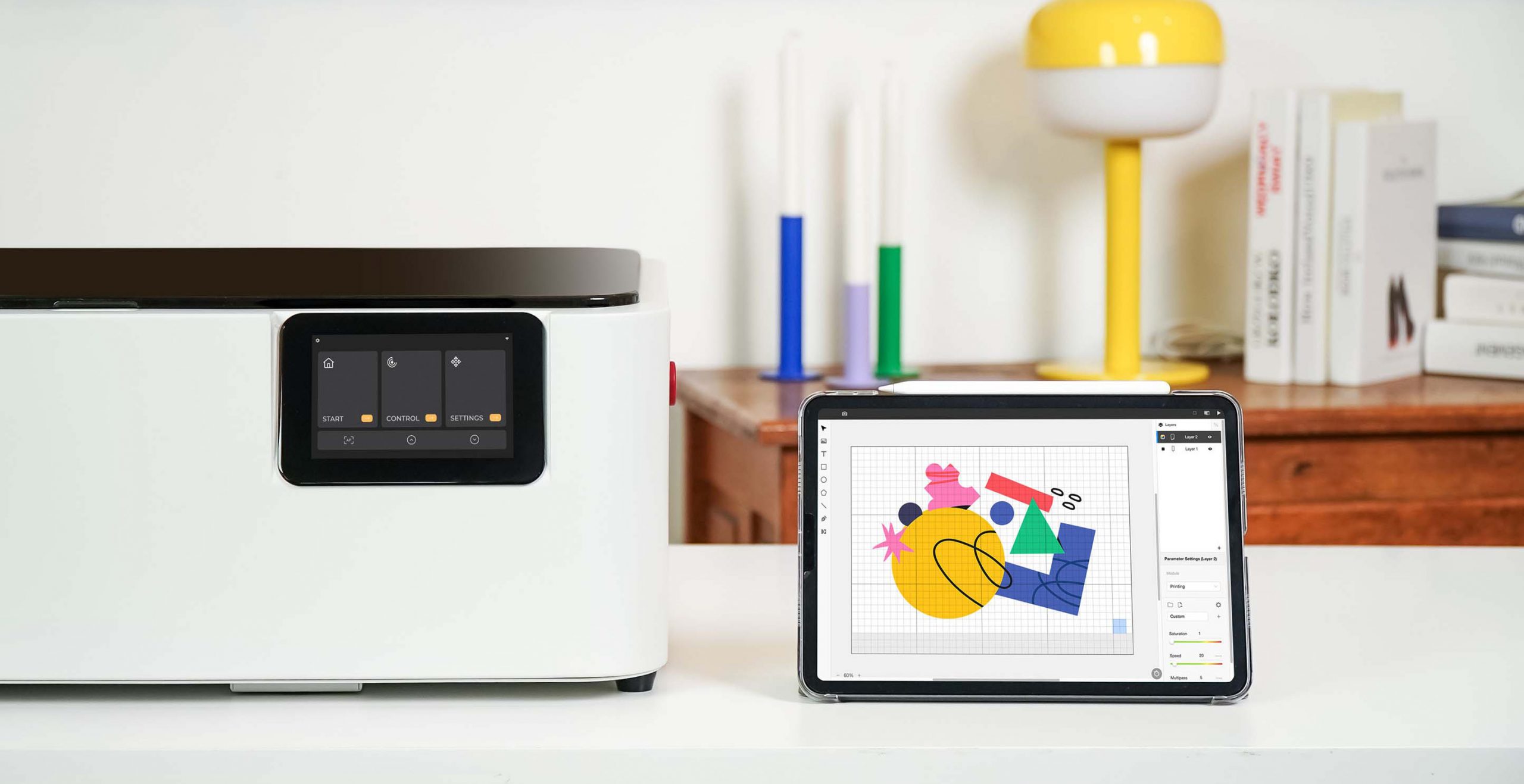
Free laser cutter software built for FLUX Lasers, Beam Studio works on desktop, tablet, and mobile, enabling seamless creation across multiple platforms.
Start your project in Beam Studio using its powerful built-in features, or fine-tune your designs later with a comprehensive set of post-processing tools.
Learn MoreEverything a first laser job needs is already in the software.
Real-time preview through your FLUX Laser's built-in camera.
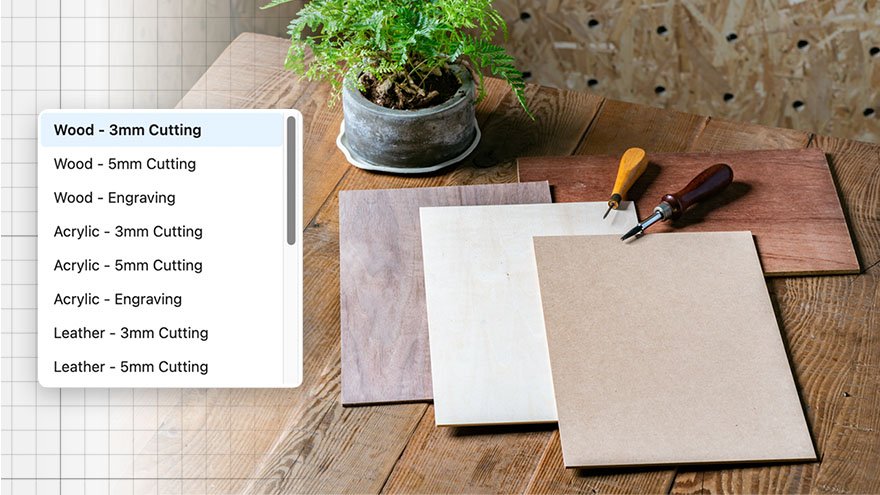
Select fine-tuned cutting and engraving settings for common materials.
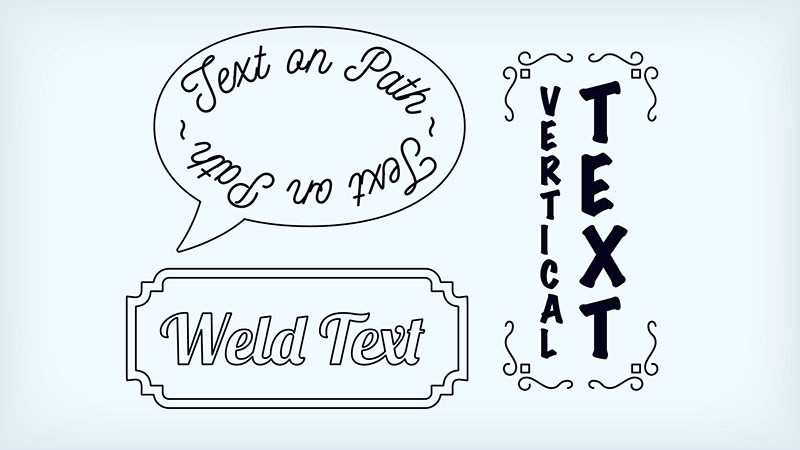
Text on path, weld text, vertical text, and more for every typographic need.
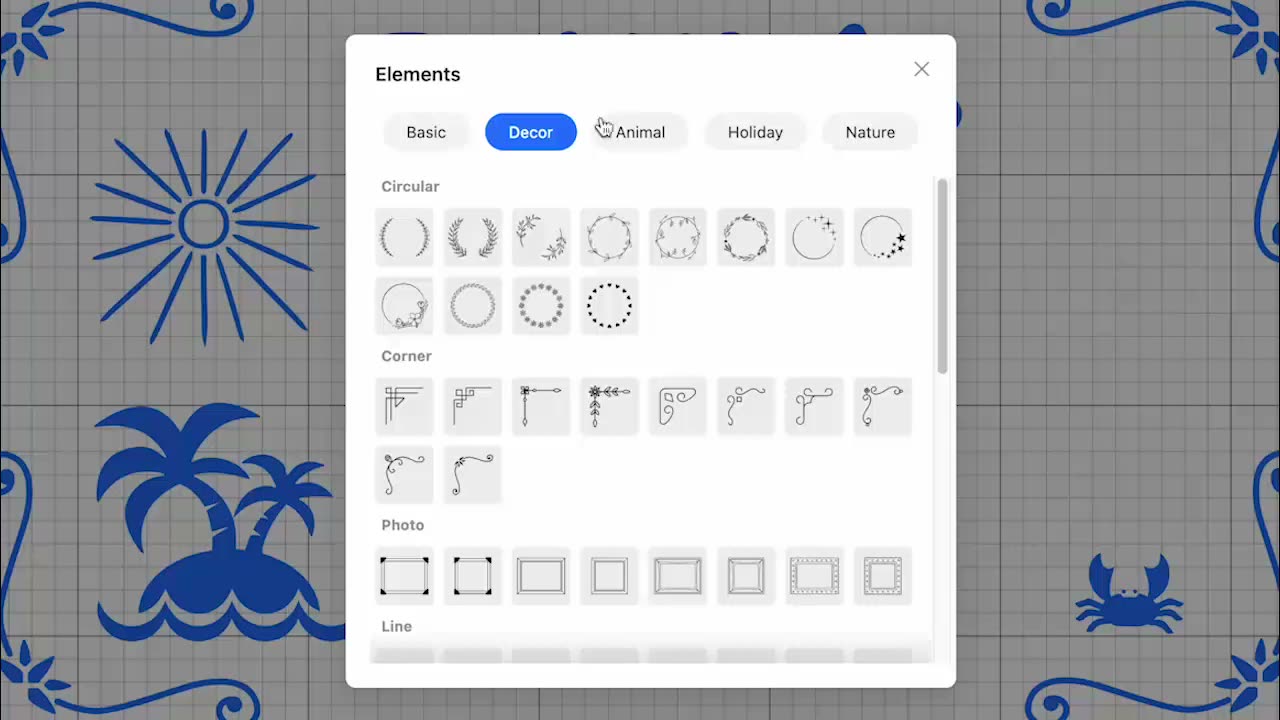
Choose from over 400 vector elements to start your design.

Already comfortable with LightBurn? FLUX lasers work with it, so you can keep the software you know while Beam Studio stays available for camera-guided jobs.
beamo, Beambox, Beambox Pro, and HEXA reach LightBurn through the LightBurn Bridge, available from the FLUX Official Shop.
Everything you restock after the machine arrives, in one place.
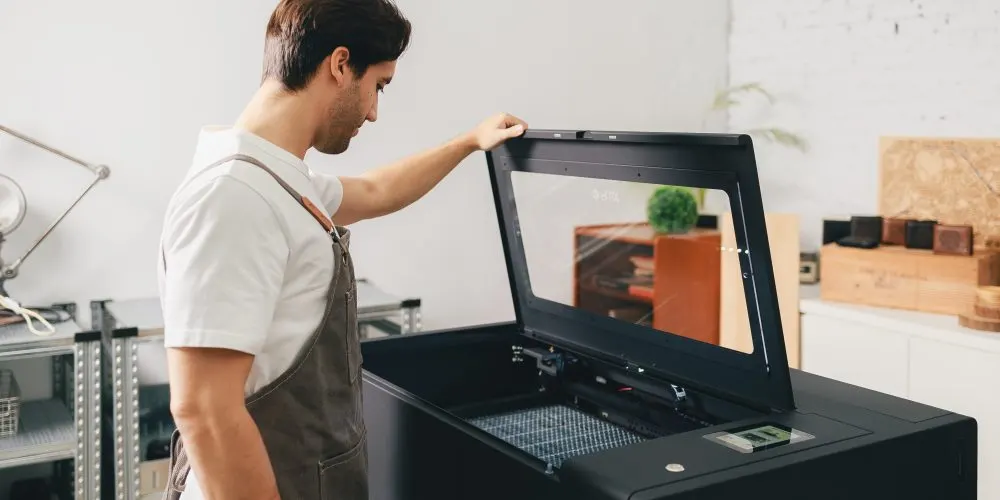
All machine consumables and accessories are available on the FLUX Official Shop, ensuring a seamless fit for your maintenance needs.
Shop Consumables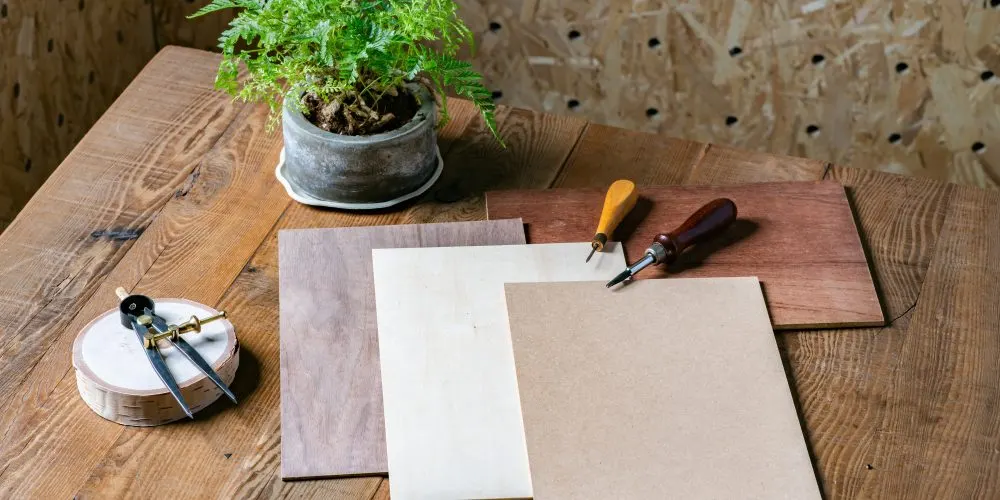
Materials essential for your creations, such as wood and acrylic, are all available at the FLUX Official Shop. Get what you need and start creating right away.
Shop MaterialsThe right laser cutter for every creative project.
Ideal laser sourcesCO2 Laser · Diode Laser · Fiber Laser
For crafting jewelry, earrings, or pet tags, the compact beamo and Ador provide the perfect solution, offering convenience for both home studios and on-the-go customization.
Ideal laser sourcesCO2 Laser · Diode Laser
Miniature and model creation demands precise engraving and cutting of small components, and Beambox II and HEXA are perfectly suited for the task.
Expand your creativity — beyond the flat surface.
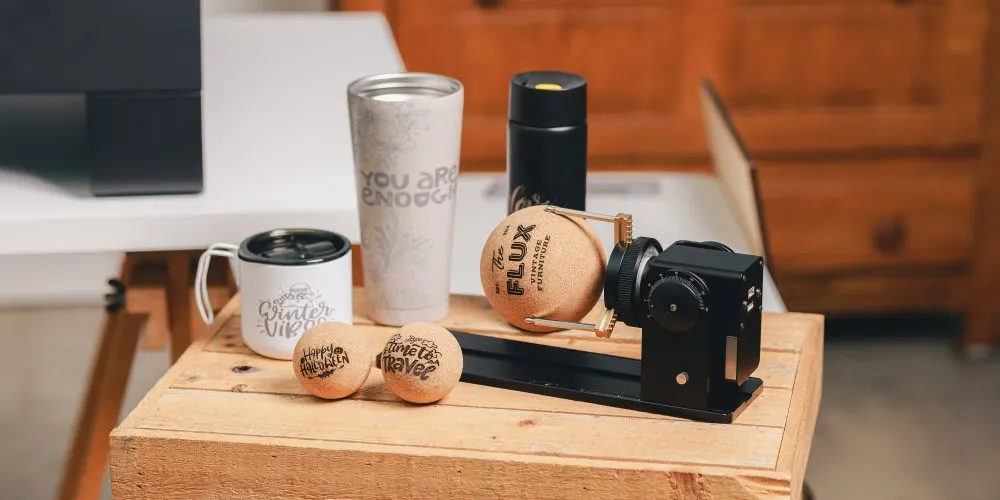
With the Chuck Rotary, you can expand beyond flat surfaces onto tumblers, bottles, and cones — creating more diverse products and unlocking even greater profits.
Compatible modelsAdor · beamo · beamo II · Beambox II · HEXA
Shop Rotary Add-ons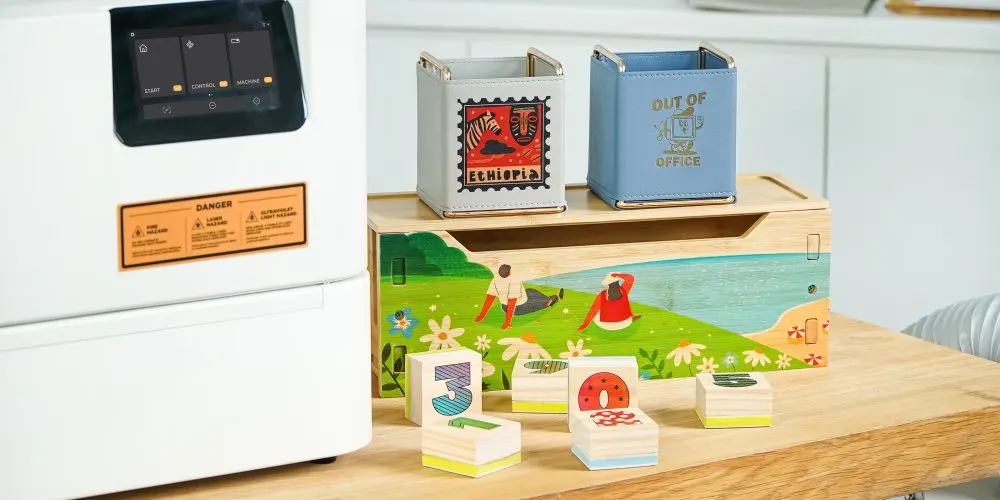
The Open Bottom, Extension Base, and Extension Pocket add-ons raise the working height so tall or thick stock still fits under the laser head.
Compatible modelsAdor · beamo · beamo II · Beambox II
Shop Extension Add-ons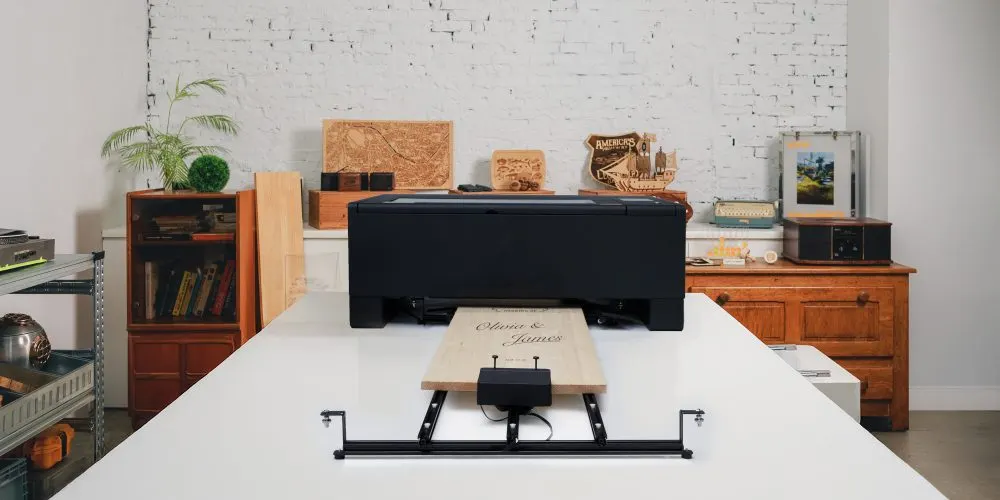
Taking on extra-long custom orders like house number signs, store signs, or skateboards? The Pass-Through add-on opens the front and back of the machine, and the Auto Feeder advances the material for you so long runs stay hands-free.
Compatible modelsAdor · Beambox II
Shop Pass-Through & Auto FeederExplore the range
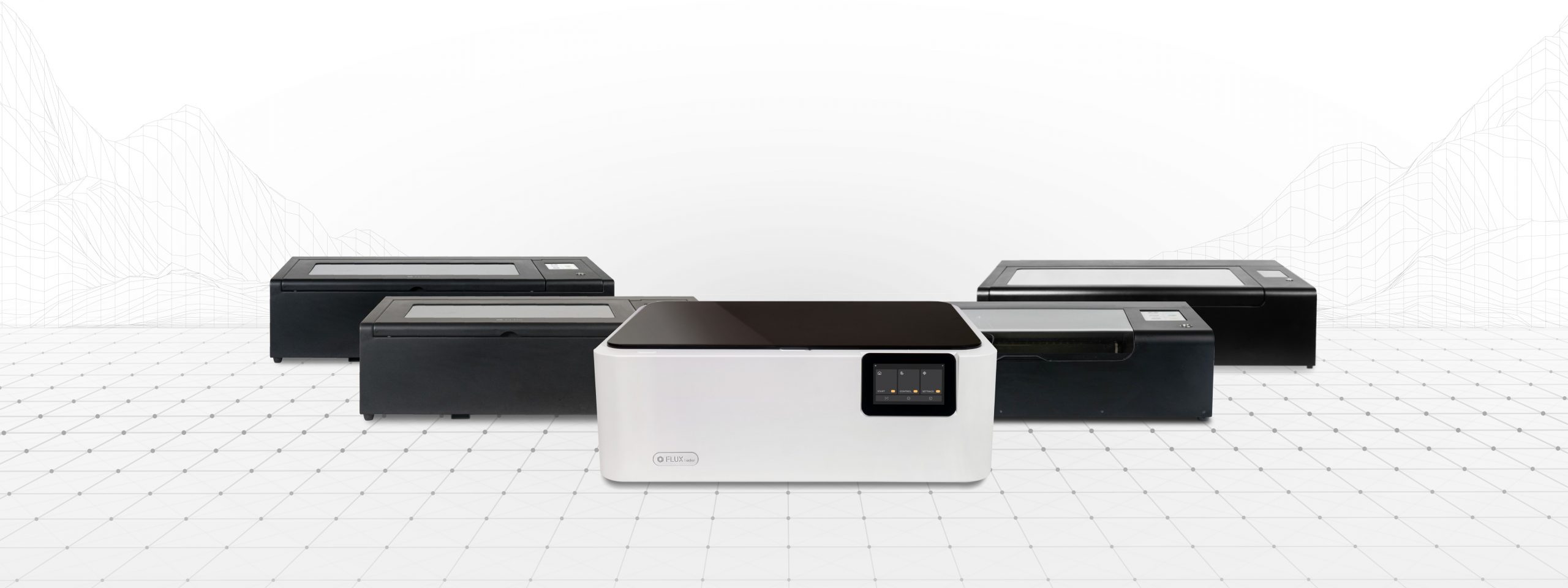
From compact creative studios to higher-volume production, explore the core laser lineup.
Still deciding?
Put every machine side by side — laser source, wattage, work area, speed, and add-on support in one table.
Compare all machines